
Your first steps in 78.
A familiar world, with its own rules. Get settled in the hall, build your character and understand what you carry into danger. Every screenshot on this page was taken in the 78 client.
78 is in development. Use this guide to learn the current client and first steps; public season access will be announced here.
01 / GET STARTED
Download, unpack, log in.
- Get the Windows client. Download the ZIP from this website. Java is included; you do not need to install it separately.
- Extract the whole folder. Open
Play 78.batfrom the extracted folder. Keepclient.jarand thejrefolder together with the launcher. - Choose your account in the client. Log in with an unused username to create an account. Choose a password of 5–20 characters using only letters and digits; it must differ from your username. Use a unique password and keep it private.
02 / FIND YOUR FEET
The hall is your starting point.
The home hall is at the Grand Exchange in Varrock. On your first login, the Quest Tutor takes you on an introduction to the Exchange, the hall, the quest lounge, your house and the Skilling Basement. You can skip the rest of the tour and ask the Tutor to show it again later.
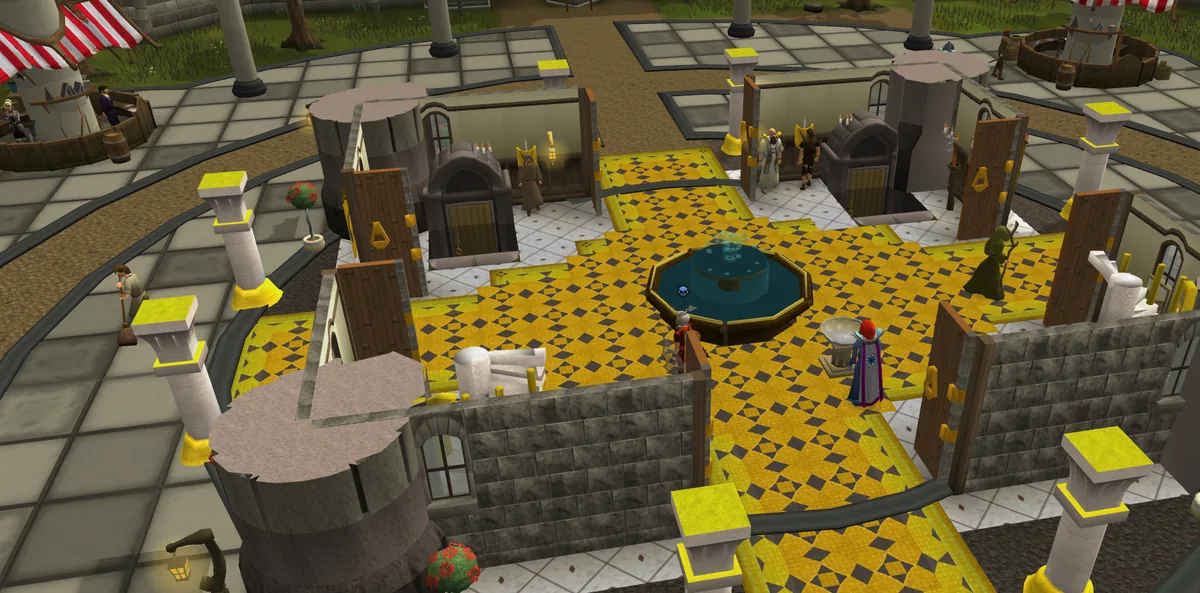
- Find the bank. Use the bank in the hall to store spare supplies and valuables before leaving safety.
- Open your starter pack. Your first introduction awards a Deadman starter pack when it finishes or you skip it. If your inventory is full, check your bank for the pack. Leave enough free inventory space to open it, then check your supplies before choosing your equipment.
- Meet the Quartermaster. Choose Trade to open the hall’s supply shop. It sells food, potions, combination runes and house teleport tablets. Food and potions are sold as banknotes; exchange them at the bank before using them.
- Use the Grand Exchange. Buy and sell through offers. You do not need to stay beside the Exchange while an offer is waiting.
03 / BUILD YOUR CHARACTER
Train downstairs. Plan your quests upstairs.
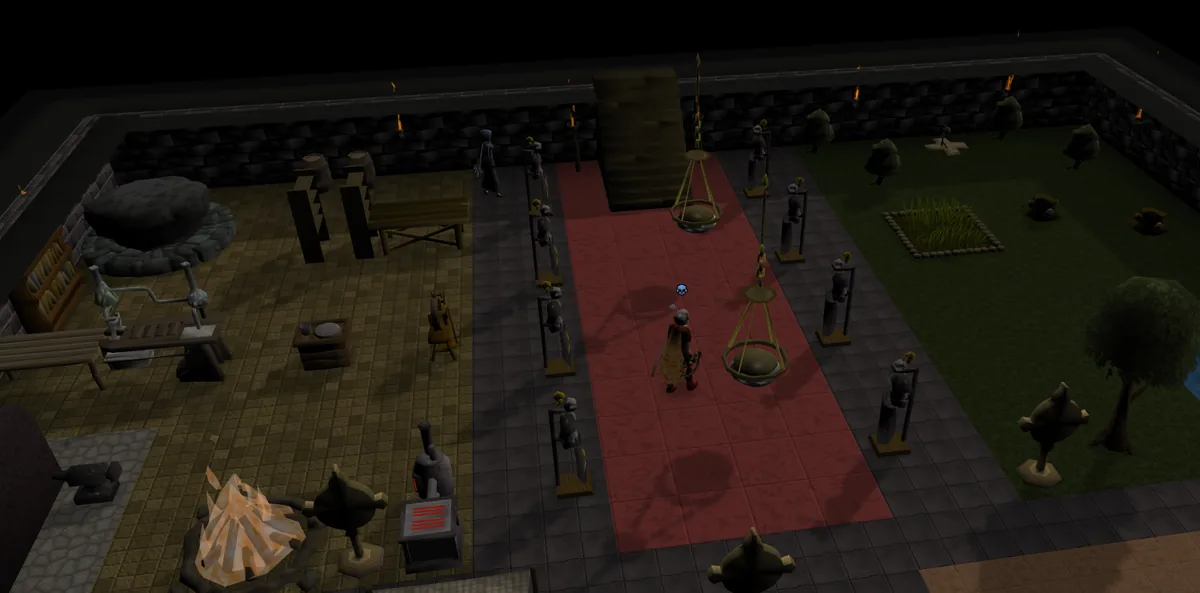
The Skilling Basement
Take the stone stairs down from the south side of the hall, next to the entrance to Death’s domain. Click a training station to practise its skill. The basement offers 15 skills, with training capped at level 55. Stations give experience, not gathered items. Training stops when you move, start another action, log out or reach the cap. The basement is a Guarded area.
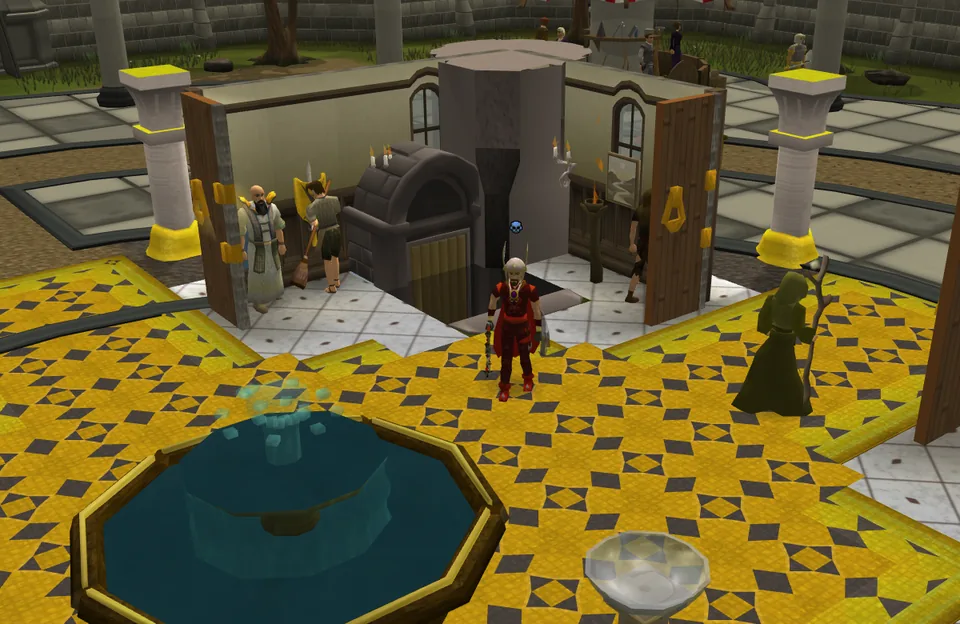
The Quest Tutor
Speak to the Tutor by the fountain for quest choices and directions. Some choices permanently complete one quest in a group and grant its rewards; you play the others yourself. Read the choices before confirming.
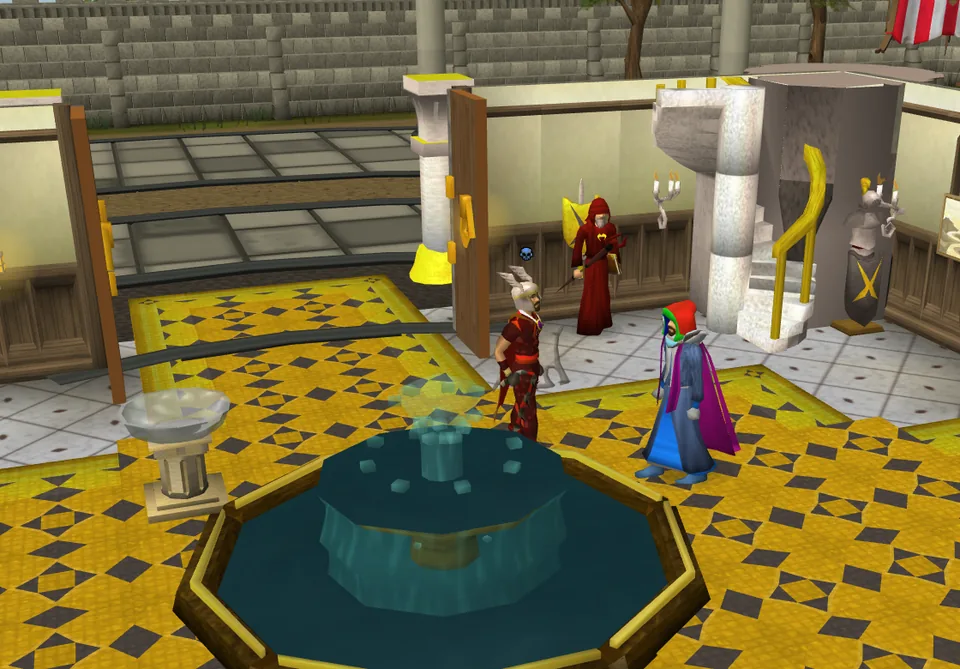
The quest lounge is upstairs, reached by the marble stairs. Speak to the Quest Tutor for quest directions and find the quest givers in the lounge.
Ask the Tutor for Claim my Summoning start to receive your one-time Summoning supplies. This grants the Wolf Whistle unlock and reward if you have not received them already. Use the supplied materials to train Summoning.
04 / PREPARE & RECOVER
Your house is already furnished.
Break a house teleport tablet to visit your own house. It is a Safe area. The rejuvenation pool restores life points, prayer, run energy and special attack. Your house also has travel facilities, a gilded altar, a combat dummy and storage for equipment and costumes.
Use the house to prepare before a trip. Escape restrictions still matter: a house tablet is not a guarantee that you can leave a fight instantly.
05 / STAY PROTECTED
Use your first hour to learn.
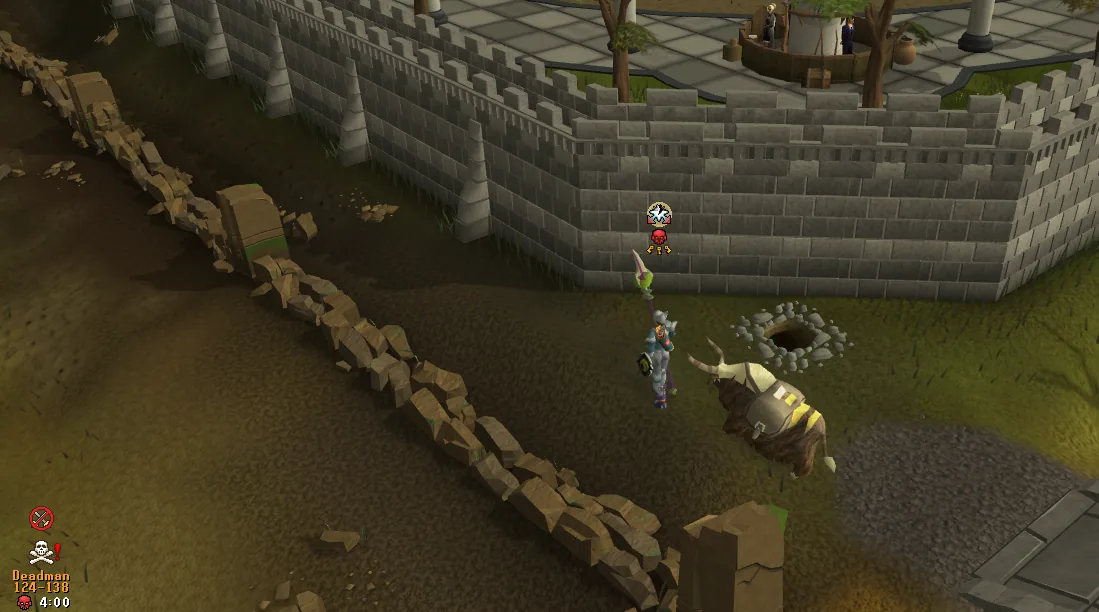
New accounts receive 60 minutes of active-play PvP protection. Its timer pauses while logged out or AFK. Protection prevents player combat in both directions; it does not protect you from monsters.
If you choose to attack another player, a confirmation asks whether you want to end your protection. Confirming ends it permanently. You cannot regain it by logging out and back in.
06 / KNOW YOUR RISK
Your inventory is a choice.
78 does not use bank raiding. The valuables you leave in your bank are separate from the items you carry and equip.
When another player kills you
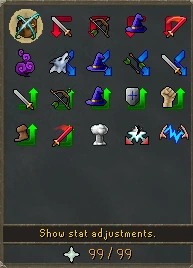
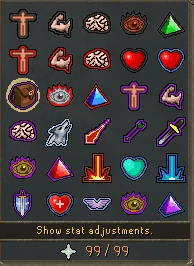
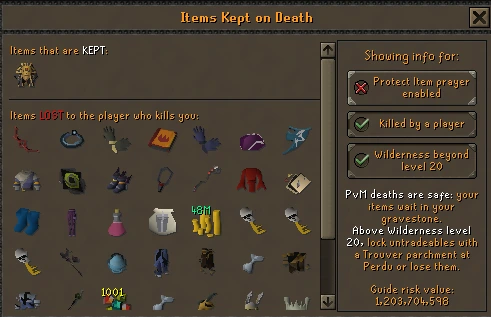
Your carried and equipped items are at risk, with or without a skull. An active Protect Item prayer or curse keeps one eligible item. Loot keys, looting bags and Deadman emblems are never protected. Special items can break or convert on death, so check the death preview for your equipment.
When a monster kills you
Ordinary PvM losses use gravestone and Death’s Office recovery. Protect Item can keep one eligible item, and equipment eligible for a Trouver lock has additional PvM protection. Loot keys are removed, and the looting bag itself is destroyed; its contents go into recovery. A monster finishing you off after recent player combat can still count as a PvP death.
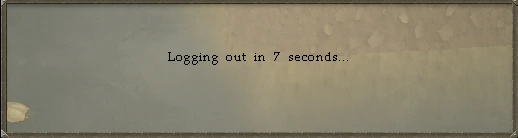
Check the in-game Items Kept on Death preview before taking valuable equipment outside. Teleporting and logging out can be delayed or blocked after combat or while skulled. Watch the in-game countdowns and messages.
07 / YOUR FIRST TRIP
Start small. Come back prepared.
- Finish getting settled. Meet the Tutor, check the bank and open your starter pack.
- Choose your next goal. Try a basement skill or ask the Quest Tutor for quest directions. Read any permanent quest choice first.
- Prepare your inventory. Bring usable food and the equipment your goal needs. Exchange banknotes for items and bank valuables you do not need.
- Check the route. Know where protection ends, whether you enter multicombat and how you plan to return.
- Read before confirming. Pay attention to attack warnings, teleport timers and the death preview.